What a busy week we have had in Froglets…

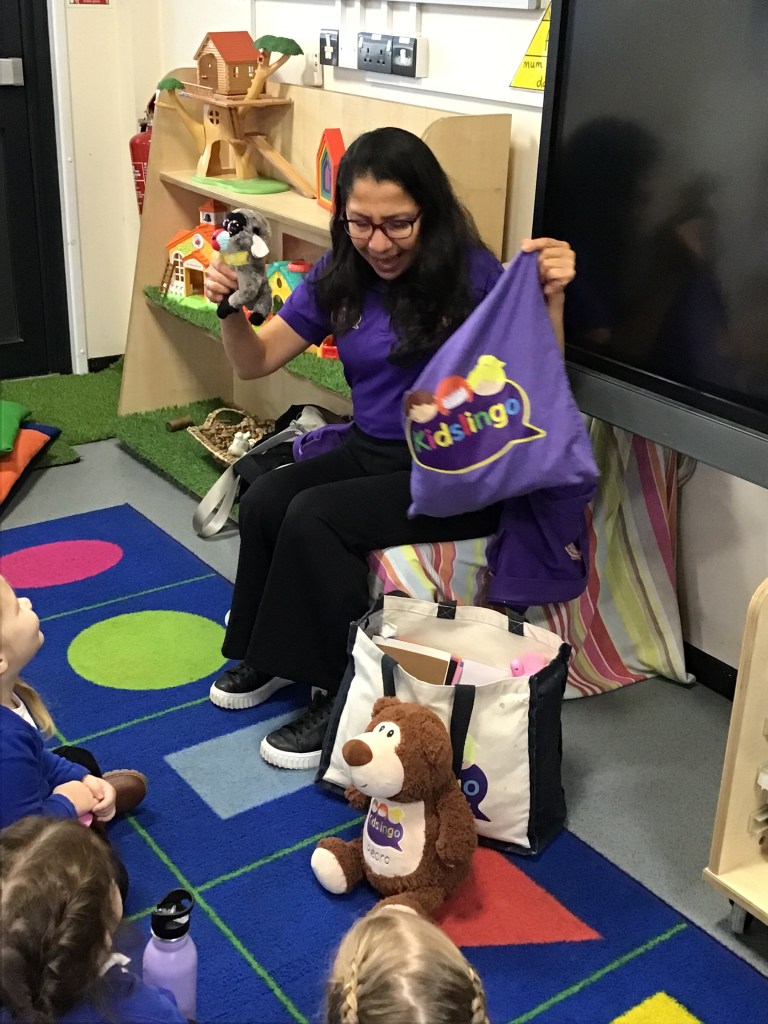
On Monday we all wore odd socks to celebrate everyone being different & then in the afternoon a Spanish visitor called Patty came in to teach us some Spanish songs.

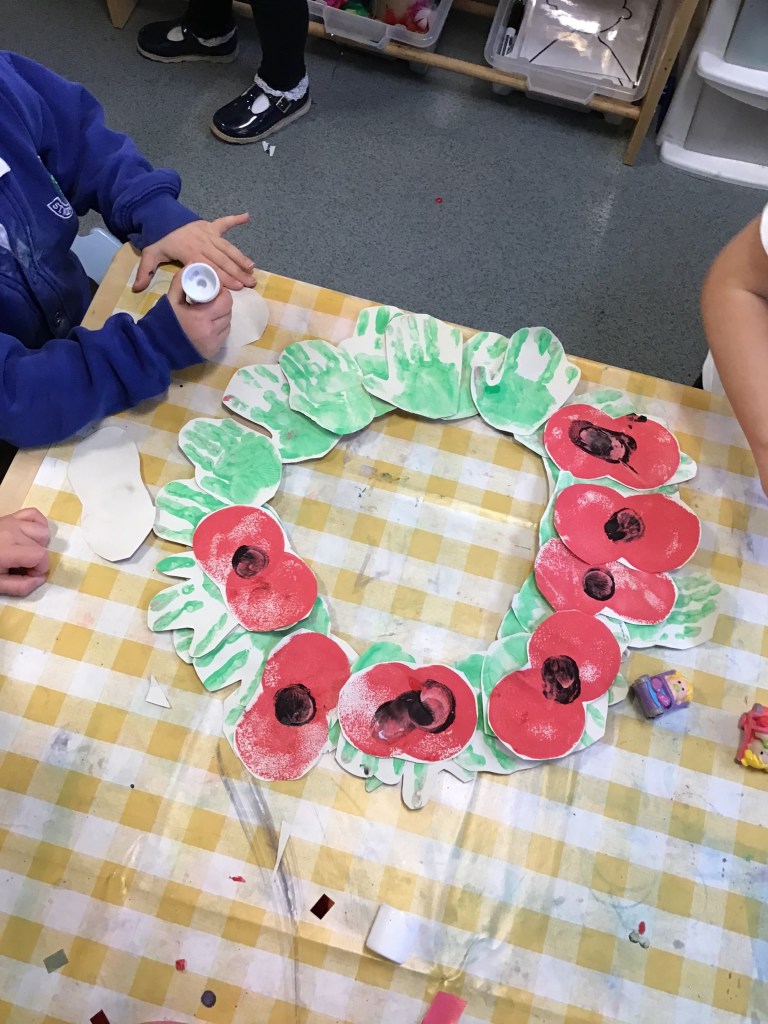
On Tuesday we remembered those who died in the war by making a poppy wreath and observing the 2-minute silence.

On Wednesday we partied at the disco and on Thursday we had a rest!

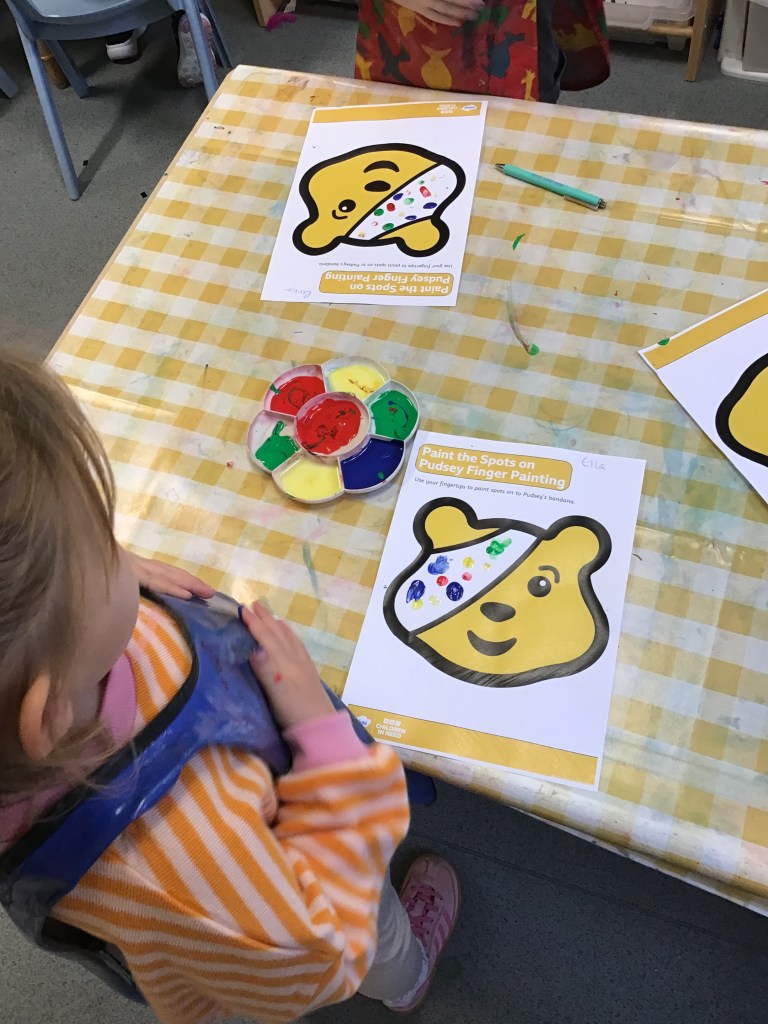
Today we have celebrated Children in Need by finding pudsey bears hiding around the Lily Pad classroom, painting spotty bandanas and colouring in pudsey bear sheets!

What busy Froglets we have been πŸ™‚

Froglets Forest School

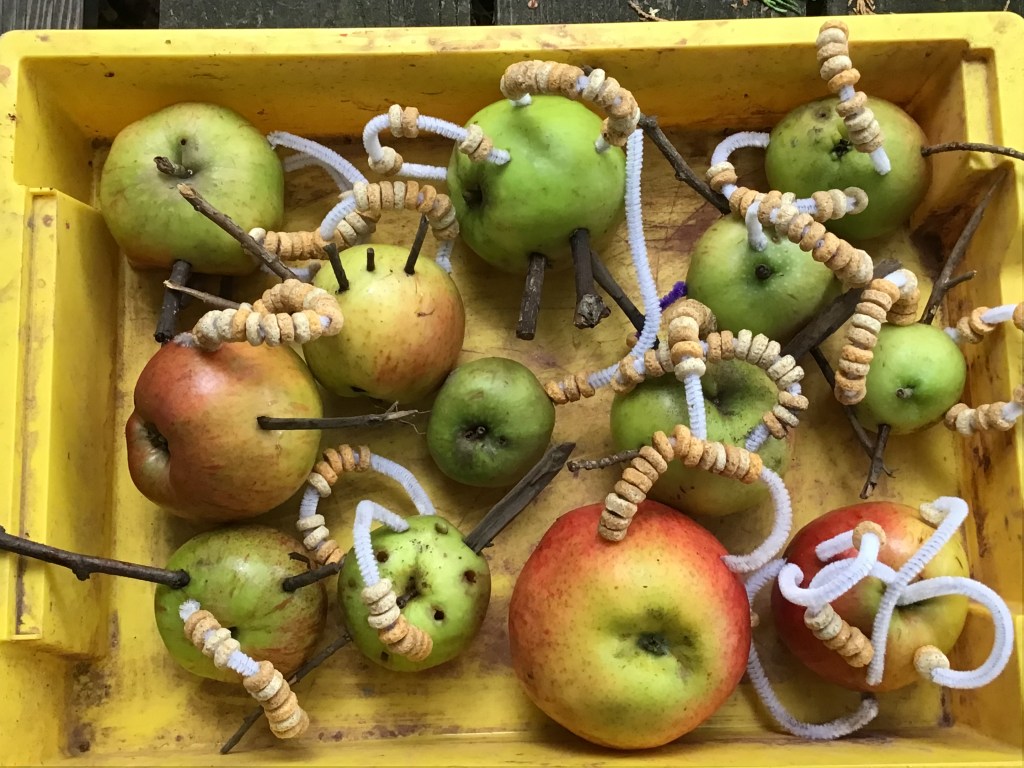
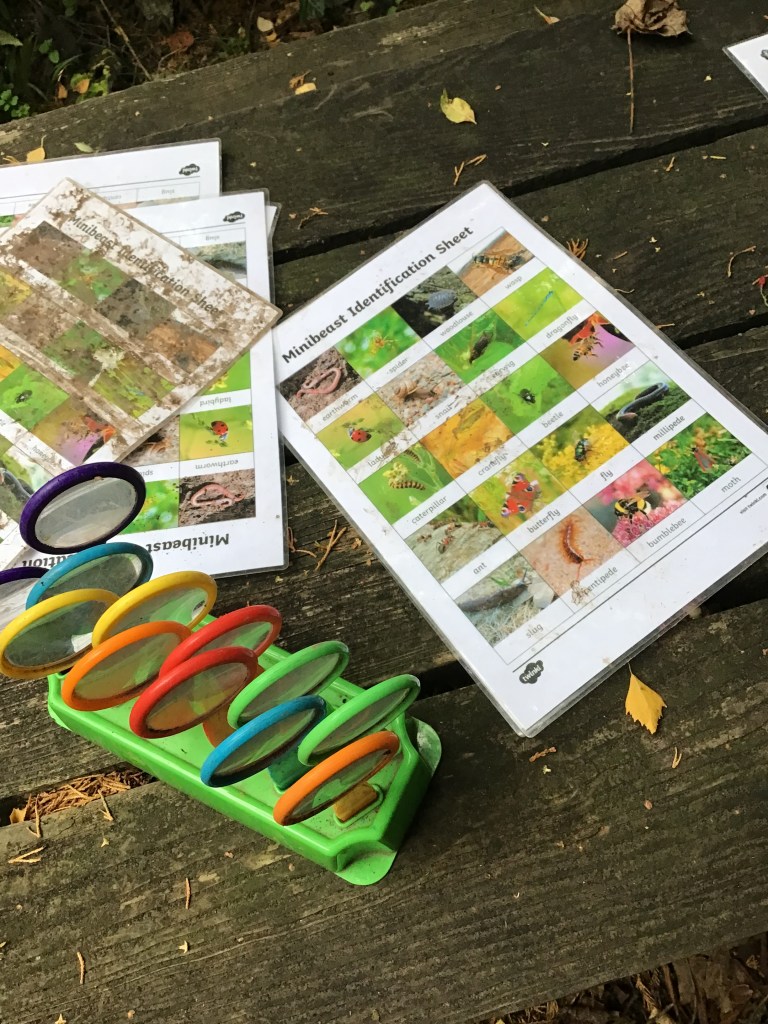
Just before half term we had the most amazing fun at Forest School! We spent hours bug hunting / making apple bird feeders / playing in the mud kitchen / squeezing apples to make juice / building dens / making shakers from tubes and stones and making lots of muddy memories!

Please check out Tapestry for lots of fabulous photos! Thank you Mrs Little for exploring the secret garden with us – we’ll be back for more fun soon πŸ™‚

Tapestry learning journals

We use Tapestry in school to document some of your child’s learning. It is used in Froglets and Reception as a form of assessment and we share these photos with you at home so you can see a little snapshot of what they have been doing. We would love to see you add images from home of their learning too, you can also like & comment on photos if you would like to. Below is a little explaination on how to log in – activation emailed were sent to you on the 14th / 15th October. Any questions please do ask πŸ™‚

For first-time login

  1. Find the activation email: Look for an email from Tapestry with an activation link. Check your spam or junk folder if you can’t find it.
  2. Create password and PIN: Click the link to go to a page where you will set up a password and a four-digit PIN.
  3. Log in: Use your email address and the password you just created to log in to the website or app. I

For subsequent logins

  • Website: Go toΒ tapestryjournal.comΒ and enter your email address and password.
  • App: Open the Tapestry app. You may be able to log in with your email and password, or if you set it up, you can use your PIN, fingerprint, or Face ID for quick access.